OhRec features at a glance
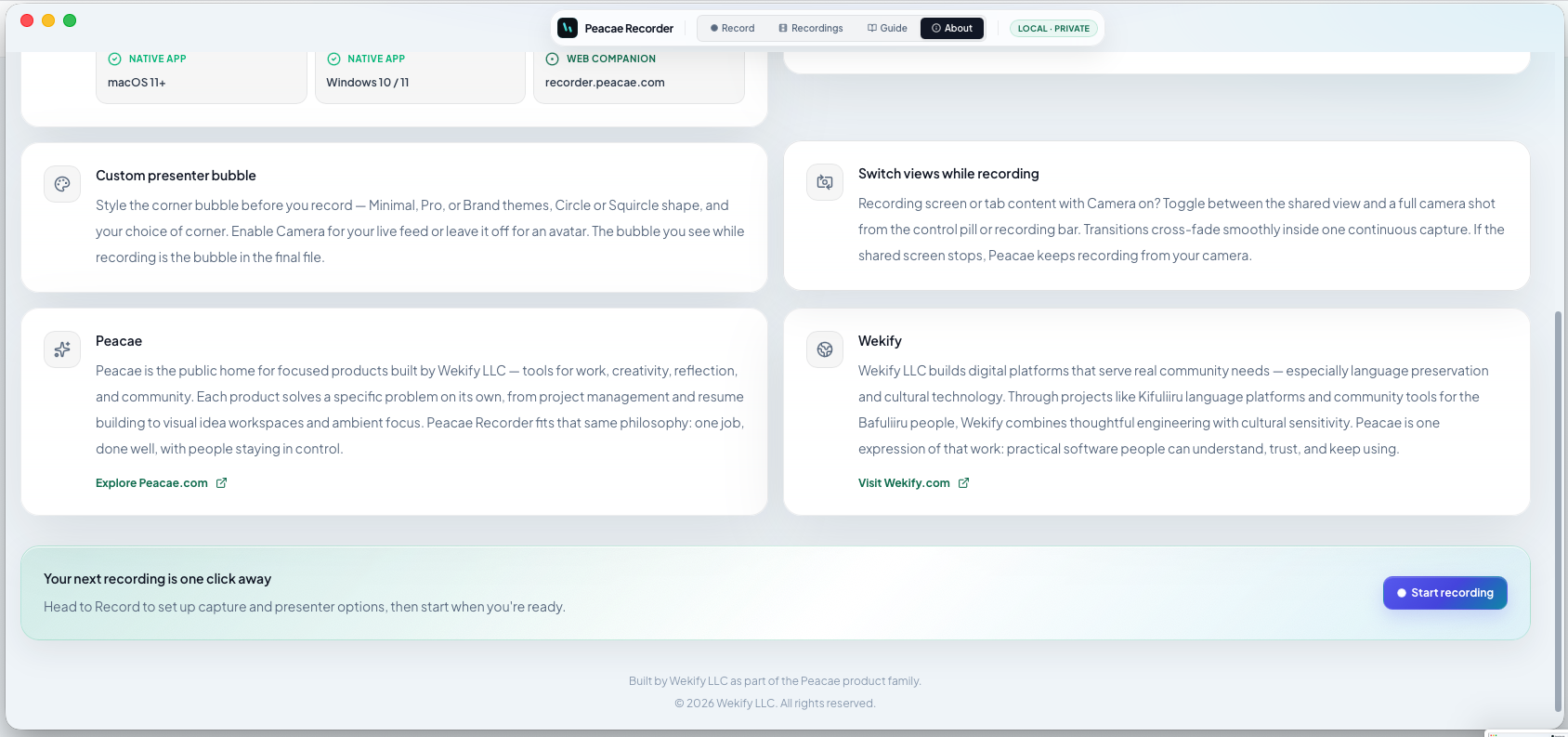
OhRec is built for fast, private capture — one setup panel, local exports, and optional presenter polish without a cloud pipeline.
Capture and audio
Record screen, browser tab, or webcam with microphone and system audio where supported. Pick 1080p or 720p before you start.
Presenter polish
Style a corner bubble, switch between screen and camera mid-recording, and mark chapters on a single timeline.
Local by design
No account, no upload step, no tracking. Web saves in the browser; desktop saves to your chosen folder. Download WebM files anytime for editing elsewhere.
Screenshots
1 screenshot — opens in a gallery dialog
Related Articles
How to record your screen privately in the browser
A quick walkthrough of the web recorder setup: sources, audio, quality, and what stays on your device.
Presenter bubble styles and shapes explained
Style your on-screen presenter bubble before you record — position, preview, theme, and shape.
Switch screen and camera mid-recording
Change views during a recording with a smooth transition instead of starting a new file.