Introducing OhRec: Local Screen Capture at ohrec.app
Some jobs are simple enough that they should stay simple. Recording your screen is one of them.
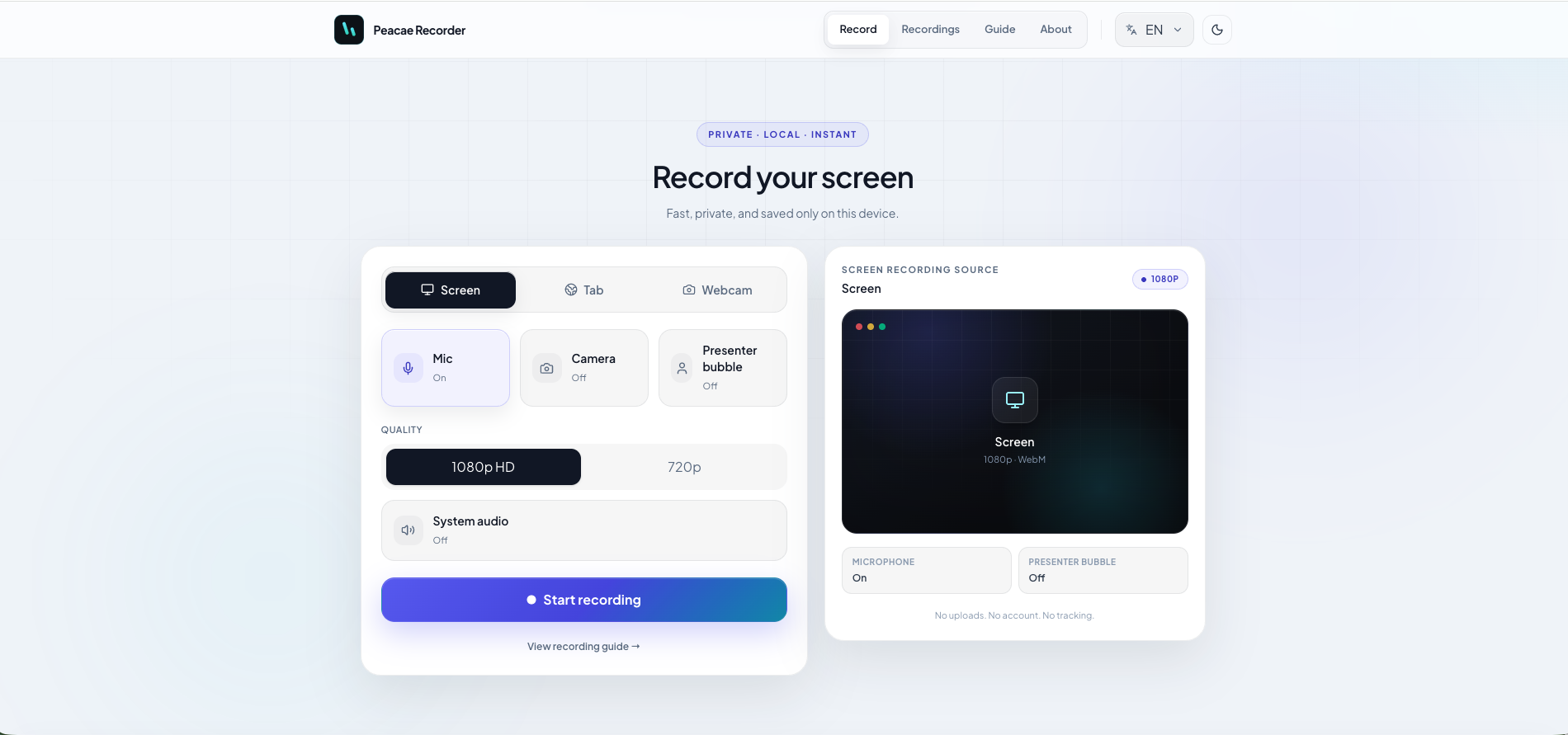
OhRec is a focused product for quick screen capture, local preview, and a saved recordings library. The live experience is at ohrec.app. Desktop installers for macOS and Windows are published on the product page when a release is ready.
Private. Local. Instant.
Recorder is built around a narrow promise:
- •Private — no account required to start
- •Local — recordings stay on your device
- •Instant — configure, record, preview, save
That shows up in the interface: screen, tab, or webcam sources; mic, camera, and presenter bubble toggles; 1080p or 720p quality; and a clear preview of what will be captured. No upload step dressed up as a feature. No cloud library you did not ask for.
A recordings library on your machine
After capture, recordings live in a local library you can search, filter, and manage from the same product surface. Start a recording and it appears automatically—exactly where many demos, walkthroughs, and bug reproductions belong.
Web and desktop
The web experience at ohrec.app is the live product story. When we ship a desktop release, macOS and Windows installers appear on peacae.com with clear versioning and real files.
- •ohrec.app for the product experience
- •peacae.com/products/ohrec for installs and release context
Best for
OhRec is especially useful when you need to record a quick walkthrough, capture a bug reproduction, save a demo without another workflow, or keep recordings local by default.
Screenshots
2 screenshots — opens in a gallery dialog
Related Articles
How to record your screen privately in the browser
A quick walkthrough of the web recorder setup: sources, audio, quality, and what stays on your device.
Presenter bubble styles and shapes explained
Style your on-screen presenter bubble before you record — position, preview, theme, and shape.
Switch screen and camera mid-recording
Change views during a recording with a smooth transition instead of starting a new file.